Want to find out what else you can do in the ArcGIS System, or make sure you’re up to date with all the latest and greatest features? Me too, which is why I’ve cherry picked some of the best resources available to us to support our work and wider ArcGIS Organizations in this handy blog.
I can’t promise absolutely everything is included here, but this blog is split into the following topic headlines so you can use it as a jumping–off point for quick links to get help, whatever you need.
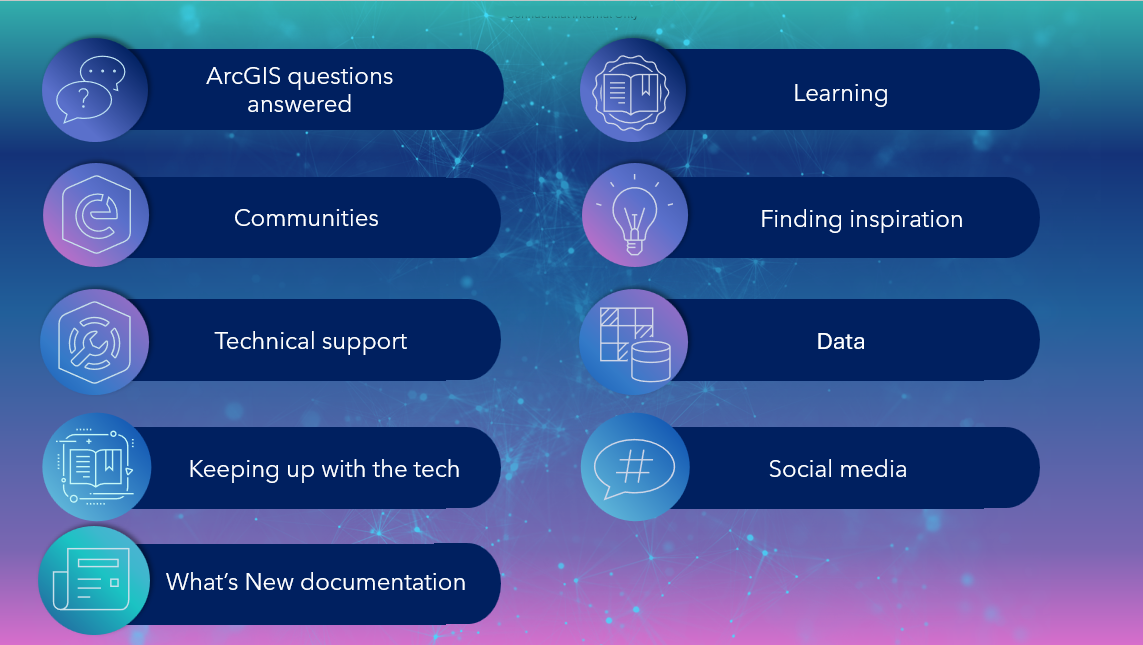
Without further ado, here’s the list!
ArcGIS questions answered
To start us off, let’s look at the resources I’ve found useful for researching ArcGIS questions. From helping customers with their technical issues to investigating my own during analysis workflows, I know firsthand how helpful these resources can be.
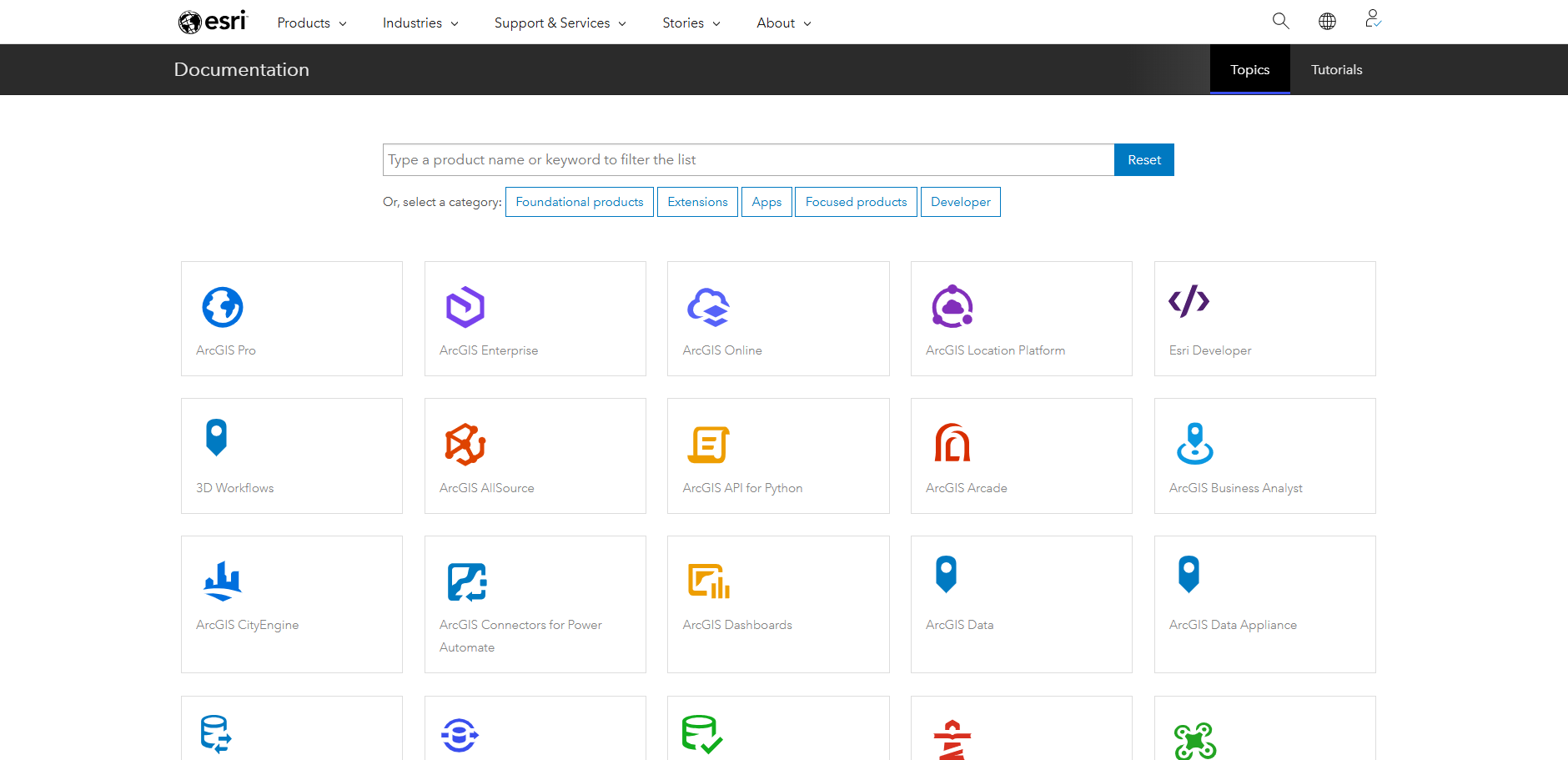
The first place I’d recommend you have a look when you’ve got a technical question are the documentation pages. These are available for all aspects of the ArcGIS system, from workflows to best practices for administering your organization. Make sure to use the drop downs at the top of the pages to switch to your current software version, and I also recommend looking at the higher-level introduction pages that give extra context for many topics.
This link takes you to the high-level overview of all the documentation available to you.
At Esri UK our staff regularly write short articles to share their expertise through our Tech Blog. Have a look through these to find our tips, or our thoughts on new areas of the ArcGIS System.
For more blogs about the ArcGIS System, you can also check out the ArcGIS blog which covers a wide variety of topics and gives you update release information (more on this later).
For short snappy videos, also made by the Esri UK team, you can see our How to video series on YouTube. These cover bite-sized tutorial topics to support your learning when working with various ArcGIS products.
And finally, to take a look at the management of your ArcGIS products the best place to start is My Esri. This is a self-service portal that allows you to manage your licenses, download software, access training materials and contact our Support team (more on this soon). My top tip is to remember this is a separate account to your ArcGIS Online Organization account, so you’ll need to set this up and log into it separately.
Communities
Do you want to engage with others in the GIS space to get help and make suggestions? One of the fastest ways to do this is in our community spaces.
Esri Community is a great starting point as it’s a forum for asking questions about the ArcGIS system and getting advice and support from other ArcGIS users and Esri staff members.
Part of Esri Community, ArcGIS Ideas, is a dedicated space for you to suggest new ideas to be implemented and support other people’s ideas for new capabilities. The Esri product teams use these ideas to help inform future product road maps.
To plan for future changes and improve your organisation’s resilience by testing upcoming technology updates, you can look at the open Early Adopter Community programmes. These allow you to feedback on potential new features before they are released more widely.
Technical Support
When you need a bit more assistance, you can always reach out to Esri UK to ask questions and get direct help through support cases. You can do this by logging cases in your My Esri account, where you can also keep track of the bugs affecting your software. If you’d prefer you can also phone our Technical Support team as well.
As a complement to My Esri, you can also check in on support cases you’ve raised in the dedicated Support App, talk to the inbuilt AI chatbot for quick answers on GIS questions and receive notifications for patches, new articles and product lifecycles. You can download the app from the App Store or Google Play.
As ArcGIS is continually improved and updated, you can plan for updates and check the longevity of your product version through the Product Lifecycles page. These are accessed from the Product Support pages.
Find the product you want and open its page (e.g. ArcGIS Pro) and scroll down to find the link to the lifecycle page.
The product support pages also include handy support articles from the Esri Technical Support team to resolve error messages, help manage your licences and more.
Keeping up with the tech
ArcGIS is at the cutting edge of geospatial technology, and with multiple updates a year available to you that means there are many exciting updates to be aware of. To help keep you up to speed I recommend keeping an eye on the following resources:
Our GISt newsletter sends you monthly emails straight from Esri UK and is curated to help you stay up to date with the latest tech news and our upcoming webinars and conferences. You can sign up to stay in the loop through the link below.

Each month we also host a live webinar that dives into technical topics or a quarterly tech summaries that help you learn what’s included in the latest tech updates.
For webinars that show the tech most relevant to your sector you can check out our industry webinar series.
You can also find out about the technology in person at one of our events. Check out the link below to see how to sign up for our Annual Conference, Scottish Conference and Welsh Conference. Or watch the recordings from previous events to get inspired about the ways ArcGIS technology is currently being used.
For sneak peaks into the future of the ArcGIS System, useful introductory sessions and interesting customer presentations you can also watch the sessions from the most recent Esri User Conference in San Diego, or other Esri events.
And for announcements from our Technical Support team for product and technical updates, keep an eye on the Technical Support notices space.
What’s new documentation
Make sure to also keep an eye on the key documentation pages, as they’ll update with each release to have the latest information. Some pages I particularly recommend are:
I also recommend watching out for What’s New and announcement blogs from Esri that give you friendly, high–level highlights of what’s included with each update.
Learning
Want to know more about part of the ArcGIS system? Learn at your own pace with a variety of tutorials available to you, or join in on one of the sessions hosted by our Learning Services team.
To get hands-on help in–person or in an online environment, you can sign up to a one day or multiple day course run by our Learning Services team. These courses are designed to help you get started, or to deepen your understanding in an area of the ArcGIS System.
Or you can find a wide range of helpful tutorials for all aspects of the ArcGIS System, from one-off videos to learning plans through Esri Academy.
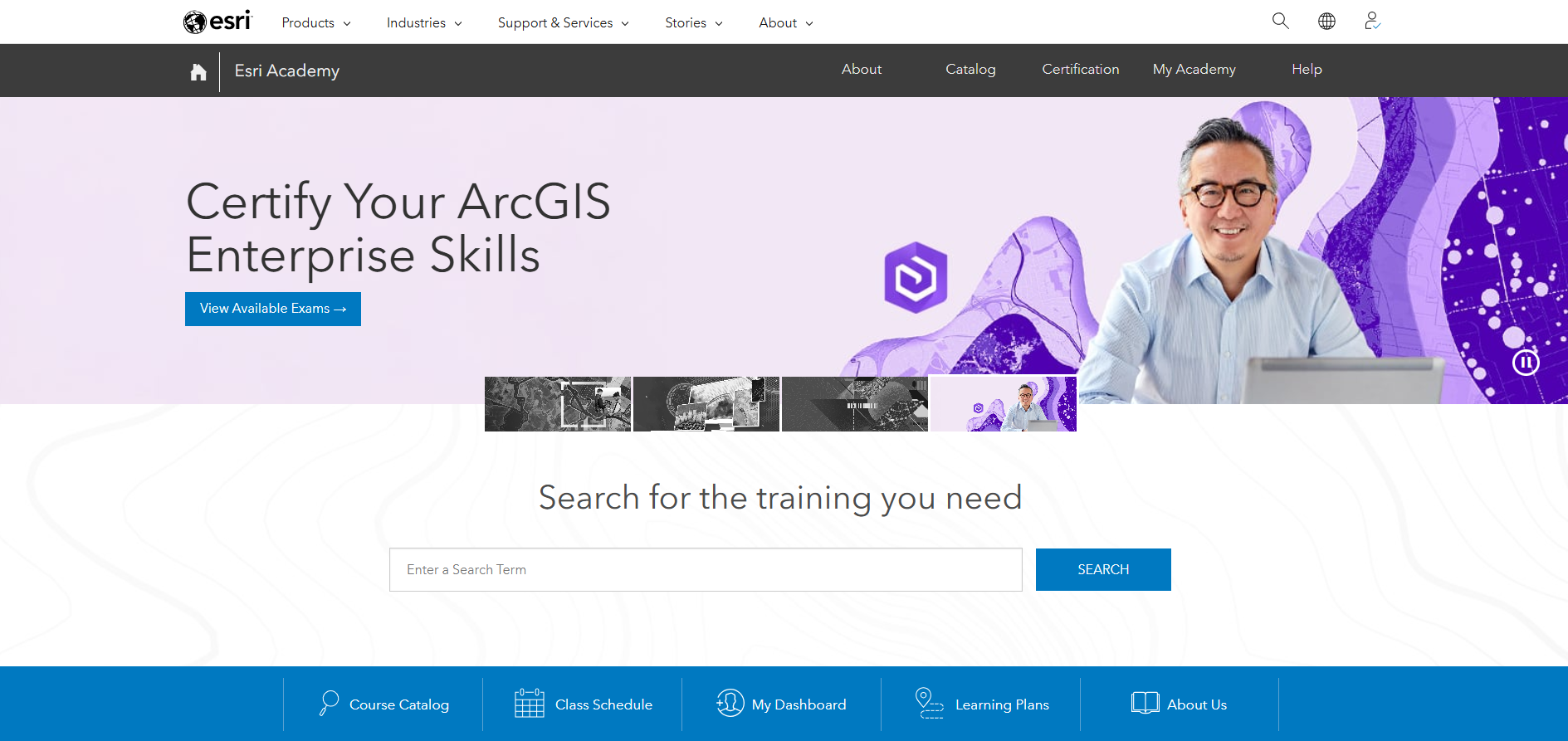
Also available through Esri Academy are MOOCs (Massive Open Online Courses), which are four to six week-long online training courses. You can work at your own pace, get hands on with the software, and you’ll earn a certificate at the end.
Another place to find useful tutorials for various ArcGIS bits and bobs is the Esri Learn ArcGIS page. Have a look through the tutorial gallery or filter for different topics to see what’s available.
Finding inspiration
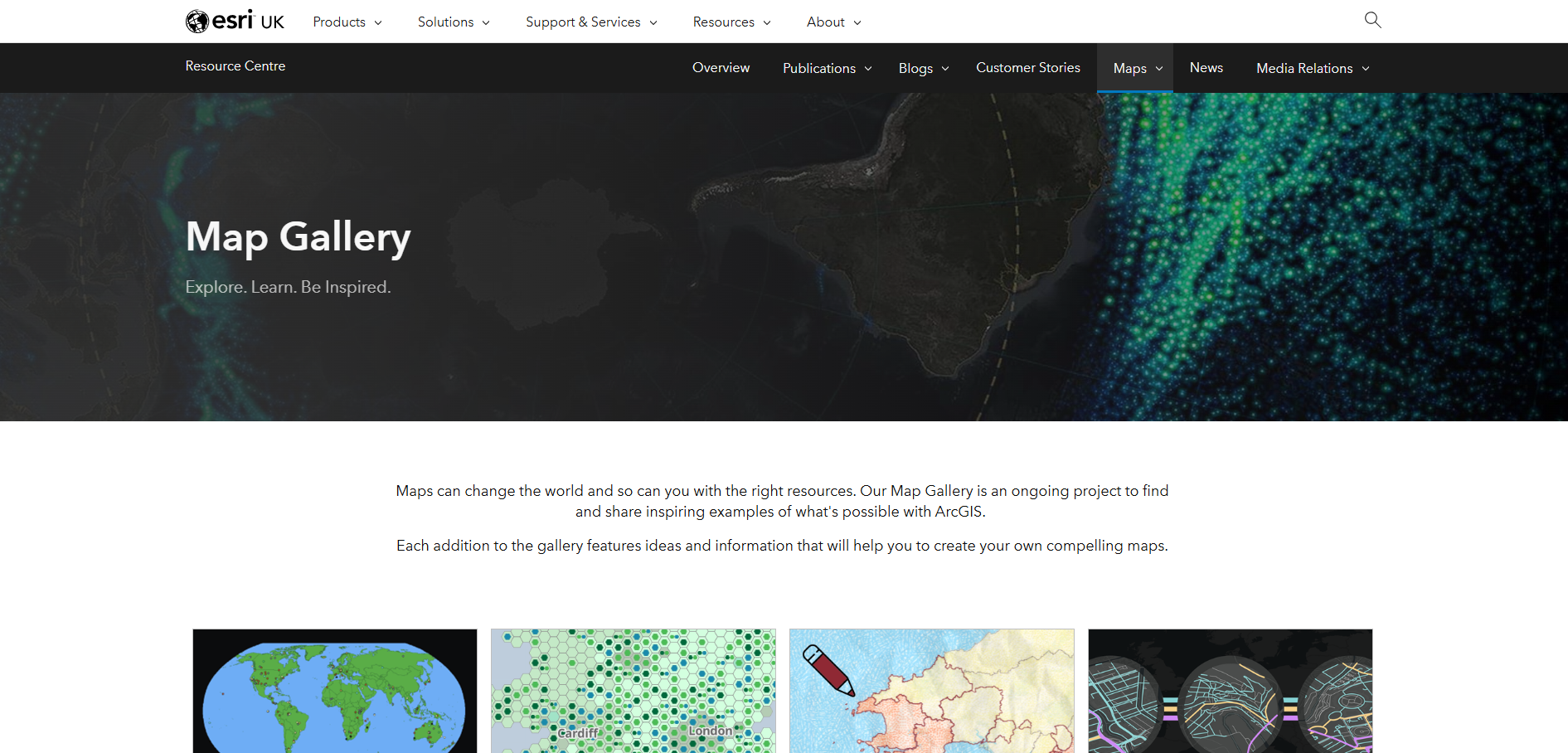
If you want some ideas for what you can create with ArcGIS technology, then check out the maps we’ve made at Esri UK. These cover various fun and informative topics, from glacier and volcanic activity to festival attendance!
If you’re interested in what you can do with a specific ArcGIS product then you can also find examples from various organisations in Esri’s product galleries:
Data
The best place (in my humble opinion) to start looking for authoritative and freely available datasets is definitely the ArcGIS Living Atlas of the World. All of the datasets there are ready in an ArcGIS compatible format and cover many categories from basemaps to population and environmental data.
ArcGIS Living Atlas of the World
Or for high quality data from our partners, you can take a look through the premium datasets that have been curated by the Esri UK Data team.
Finally, to discover and source imagery for your workflows, you can explore the inbuilt Content Store app within ArcGIS Online. Note: you need to be logged in to ArcGIS Online to access this.
Social media
Want to see what we’re up to at Esri UK? You can also keep up with our product and company news on our LinkedIn page and YouTube channel.
And that’s a wrap! If you have any questions about these resources don’t hesitate to reach out to us at Esri UK.