The user type model, introduced in 2018, combined capabilities and apps together to align with the needs of different GIS users. ArcGIS Pro comes with the Creator, Professional and Professional Plus user types. Each user type comes with a different ArcGIS Pro licence level: ArcGIS Pro Basic, Standard and Advanced.
But what are the key differences between these different versions of ArcGIS Pro?
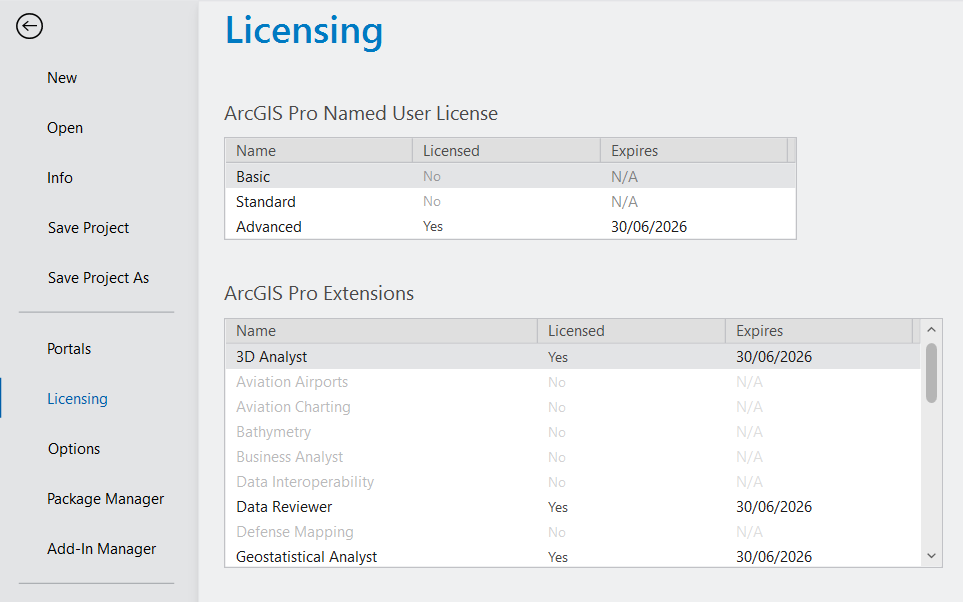
This blog explores what each ArcGIS Pro license level has to offer, highlighting real-world use cases, and helps you figure out which version best fits your needs.
ArcGIS Pro Basic
The Creator includes access to ArcGIS Pro Basic, giving users the ability to edit, analyse and manage data. In addition to this, publishing maps to ArcGIS Online.
The ArcGIS Pro Basic licence level is ideal for users who need to view, query and perform basic analysis on spatial data. This option also supports map production, simple data editing and core cartographic capabilities, making it the ideal licence level for users just starting out with GIS.
Capabilities:
- Core GIS functionality
- Basic editing and data management
- Map creation and visualisation
- Access to geoprocessing tools with limited functionality
A more in depth description of tools available with Basic can be found here.
ArcGIS Pro Standard
The Professional user type includes the additional capabilities of ArcGIS Pro Standard as well as all of the capabilities of ArcGIS Pro Basic.
The ArcGIS Pro Standard licence level is designed for professionals responsible for managing complex spatial databases. This makes it particularly useful for utilities companies, local governments and organisations needing version control and network modelling. It also aligns with the Professional user type, providing access to ArcGIS Pro Standard, along with access to other products, such as ArcGIS City Engine.
Additional capabilities Over Basic:
- Create and manage ArcGIS Enterprise geodatabases
- Versioned editing and geodatabase replication
- Advanced editing operations (e.g., constructing polygons, splitting lines)
- Create mosaic datasets and manage raster catalogues
- Configure and use trace networks
A more depth description of tools available with Standard can be found here.
ArcGIS Pro Advanced
The Professional Plus user type includes ArcGIS Pro Advanced, including all of the capabilities of ArcGIS Standard, plus additional tools and 9 of the most used ArcGIS Pro Extensions. ArcGIS Pro Extensions can also be added individually to your ArcGIS Pro subscription.
ArcGIS Pro Advanced was created for high-level GIS analysts, supporting advanced spatial modelling, remote sensing and extensive automation capabilities. This makes it an ideal choice for organisations that require complex geoprocessing and strict data validation as part of their workflows. ArcGIS Pro Advanced is included in the Professional Plus user type, which also provides access to additional products, such as ArcGIS Urban and ArcGIS CityEngine.
Additional capabilities Over Standard:
- Utility network creation and management
- Advanced geodatabase functionality (topologies, attribute rules)
- Flood simulation and exploratory analysis
A more in depth description of tools available with Advanced can be found here. Advanced includes these popular extensions:
- ArcGIS 3D Analyst
- ArcGIS Geostatistical Analyst
- ArcGIS Image Analyst
- ArcGIS Network Analyst
- ArcGIS Spatial Analyst
- ArcGIS Data Reviewer
- ArcGIS Publisher
- ArcGIS Workflow Manager
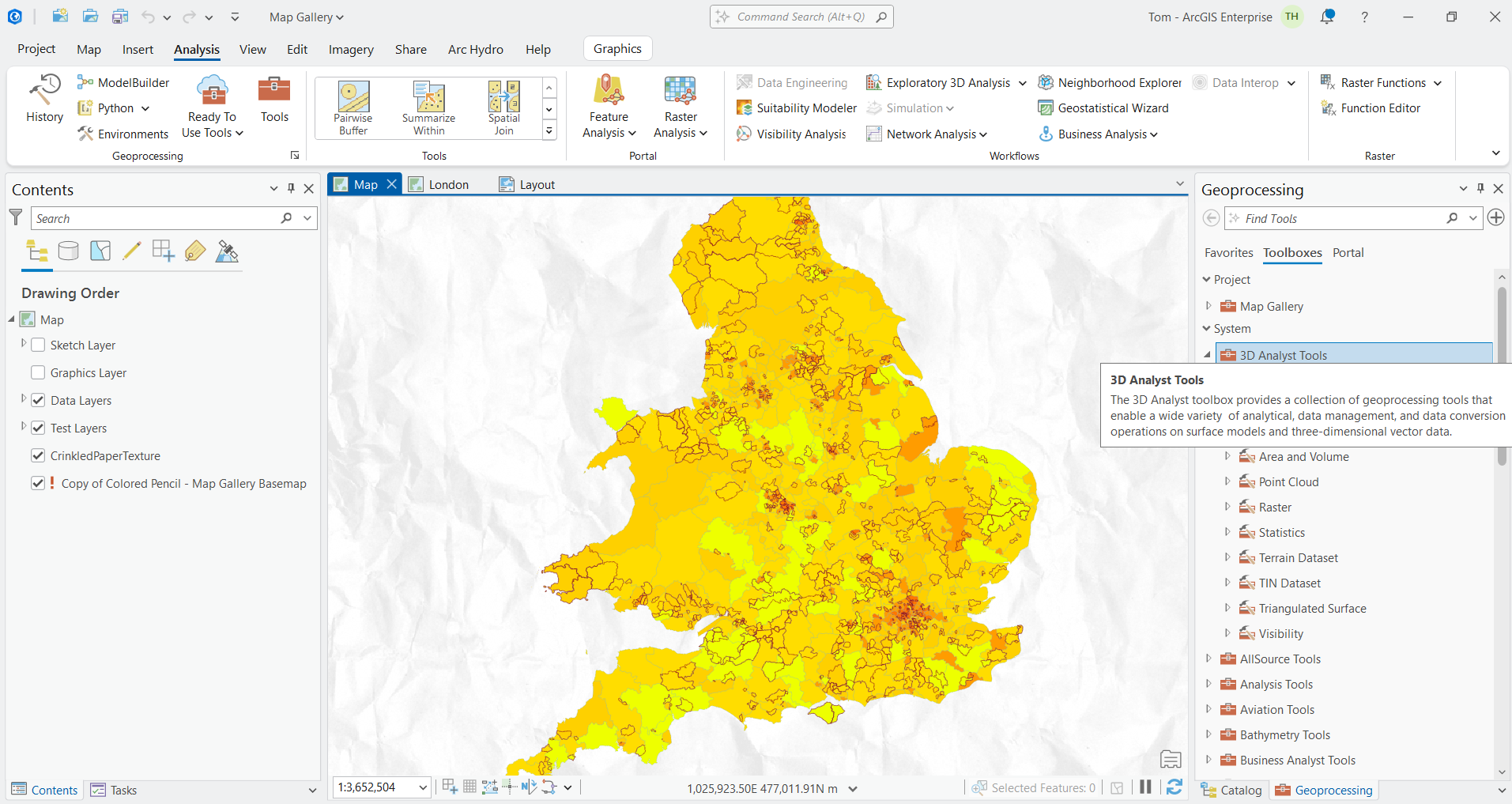
More information on additional extensions available for ArcGIS Pro can be found here.
Whether you are a GIS beginner or undertaking advanced spatial analysis, ArcGIS Pro’s tiered licensing ensures you have the right tools for your projects’ requirements. For users casually working with spatial data or engaged in educational activities, the Basic license provides essential tools to get started. If your projects involve managing complex datasets or supporting field operations, the Standard level offers the capabilities needed. Lastly, the Advanced license is designed for users completing comprehensive geospatial modelling and complex analytical GIS tasks, providing access to ArcGIS Pro’s full range of powerful features.
Hopefully this has covered some of your questions about ArcGIS Pro license levels.