In the evolving world of spatial planning, the shift from traditional 2D maps to immersive 3D data is transforming how planners visualise, analyse, and engage with the environment. It has also allowed planners to engage with citizens and communities in a more interactive way, helping them to understand and comment on plans.
Whether you’re shaping urban skylines or preserving rural landscapes, 3D GIS offers a powerful lens through which to understand and influence the world around us and we explore this in our companion blog.
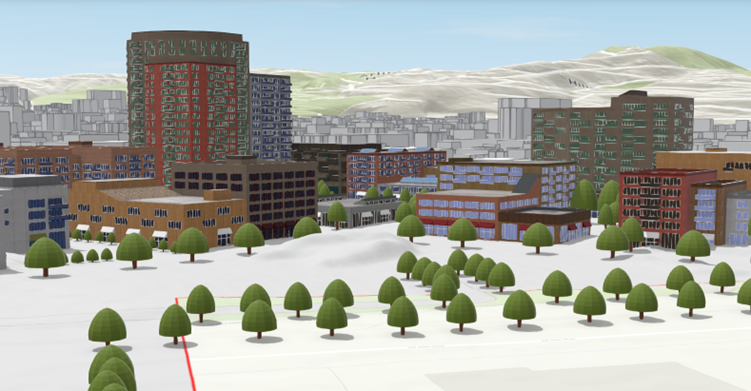
Why 3D matters
3D GIS data adds depth to spatial analysis, enabling planners to model the real world with greater realism and precision. This third dimension is more than just visual – it’s strategic. It allows you to put buildings within their real-world context – meaning you can make decisions based on realistic visualisations and give stakeholders and communities a clearer understanding of proposed developments.
Types of 3D data in ArcGIS
ArcGIS supports a wide range of 3D data formats, making it a versatile platform for planning professionals.
Elevation layers
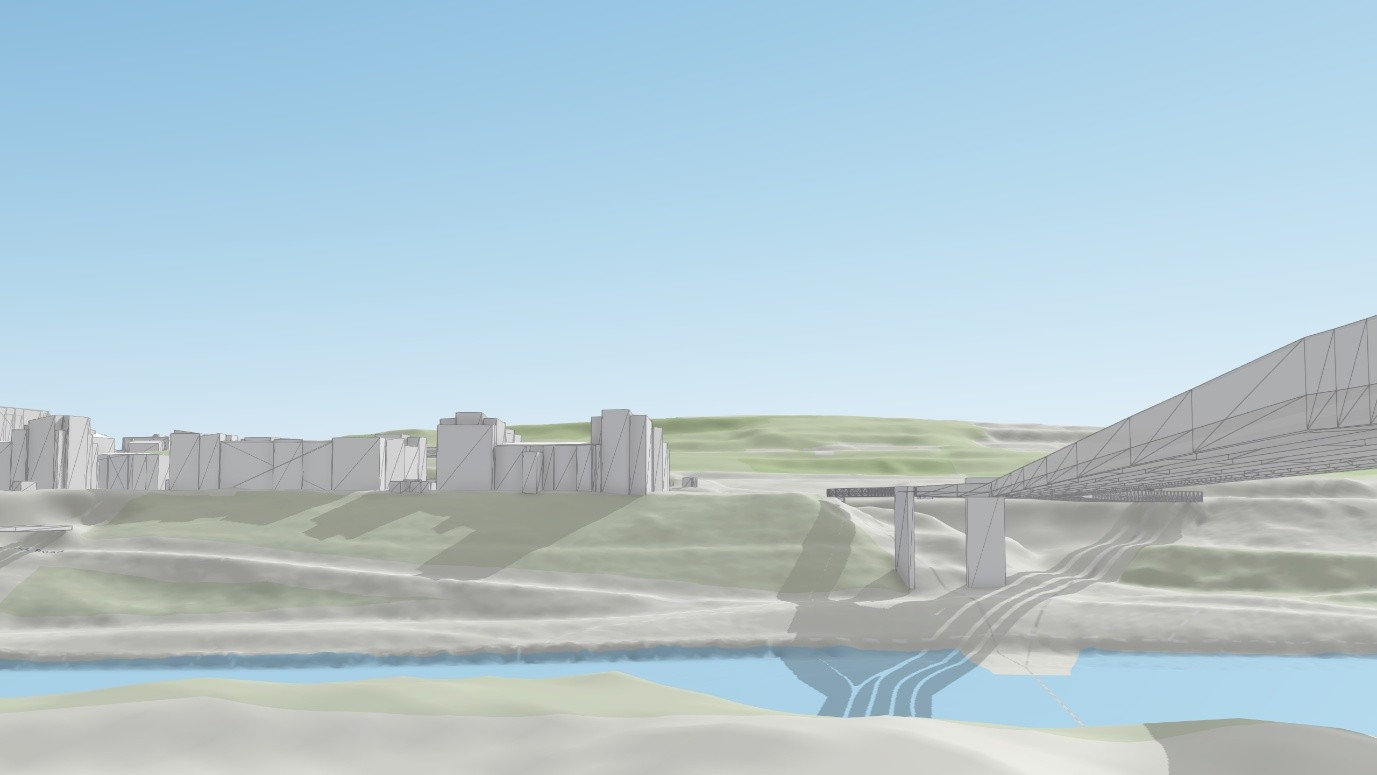
Elevation layers, which allow you to situate 3D buildings in real-world terrain to see them in context. You can use these to recreate views from key landscape features to evaluate visual impact.
Point scene layers
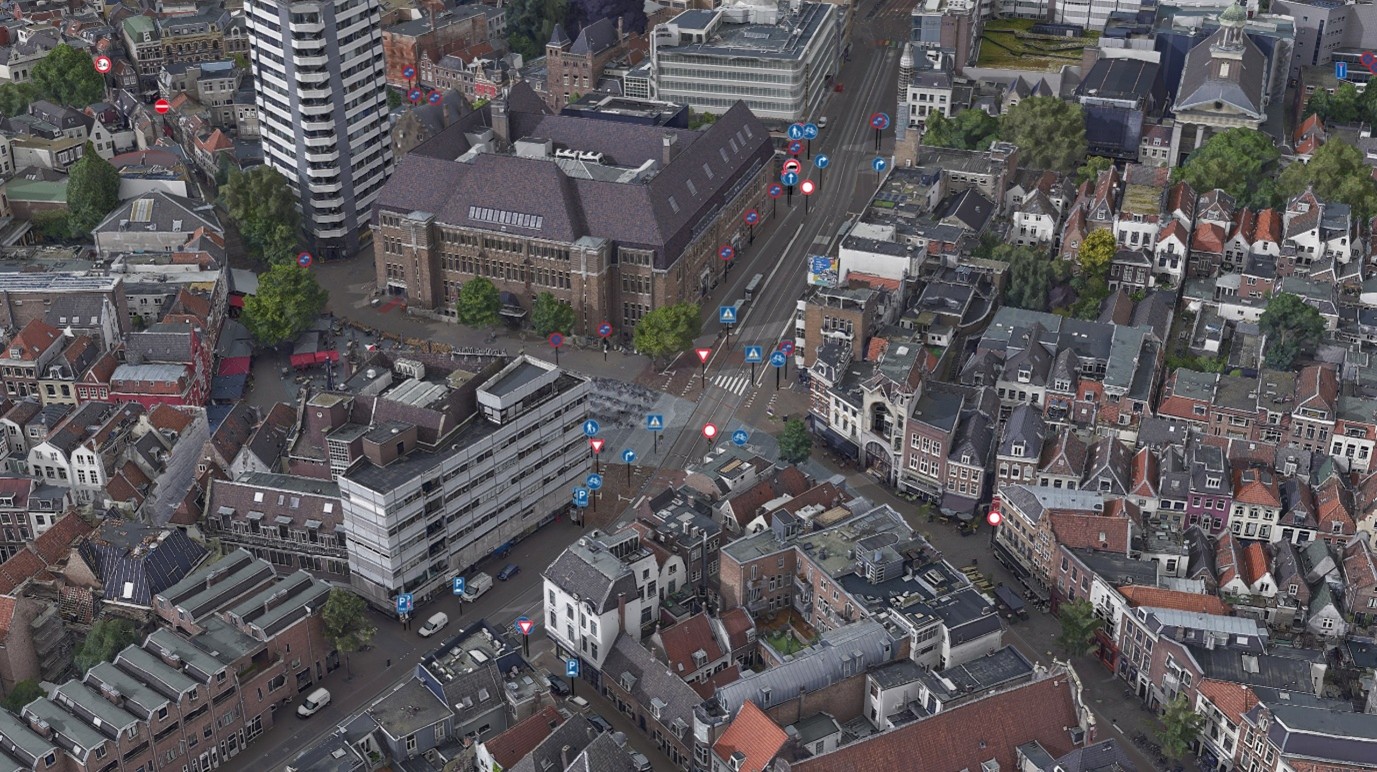
Point scene layers, where you populate 3D city models with realistic 3D vegetation for more engaging visualisations and accurate visibility assessments. These can help you map asset locations such as signage, public transport stops and public waste facilities in 3D at city scale.
3D object scene layers
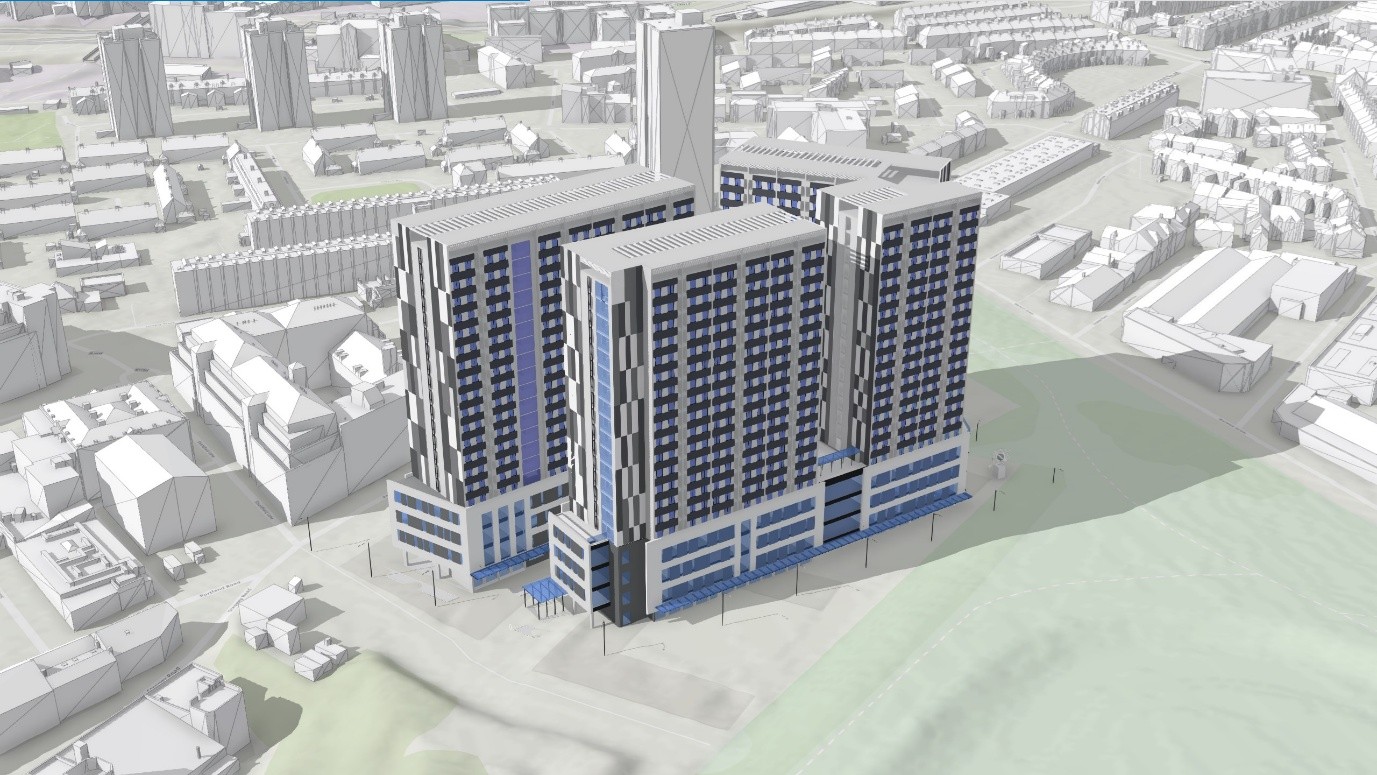
3D object scene layers, which are detailed large-scale 3D city models that can be viewed seamlessly on the web. These can be quickly imported as 3D models in industry standard formats into ArcGIS and used alongside your other spatial data.
Building Information Models (BIM)
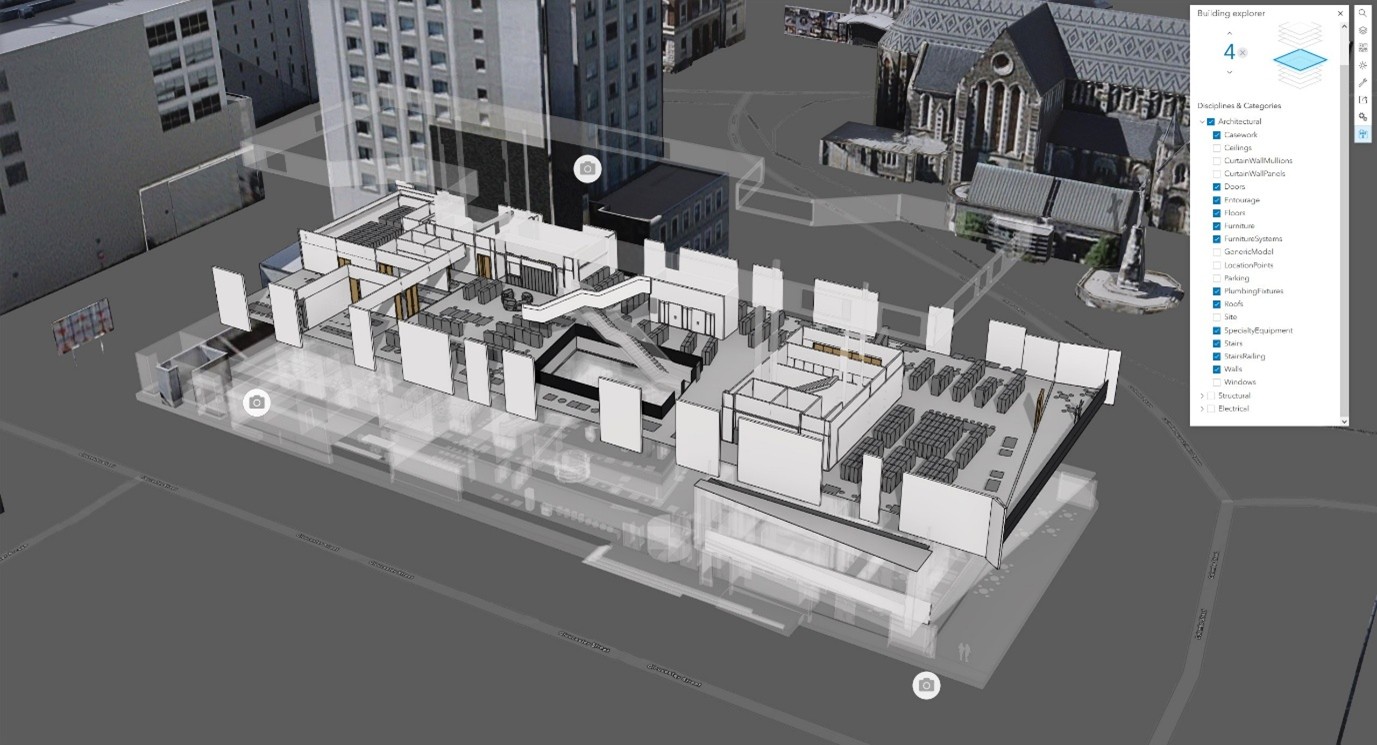
BIM data allows you to view your designs in the context of your spatial data in Building Scene Layers. You can interrogate BIM data floor by floor and filter by theme to get a full picture of a building’s layout and construction.
Integrated meshes
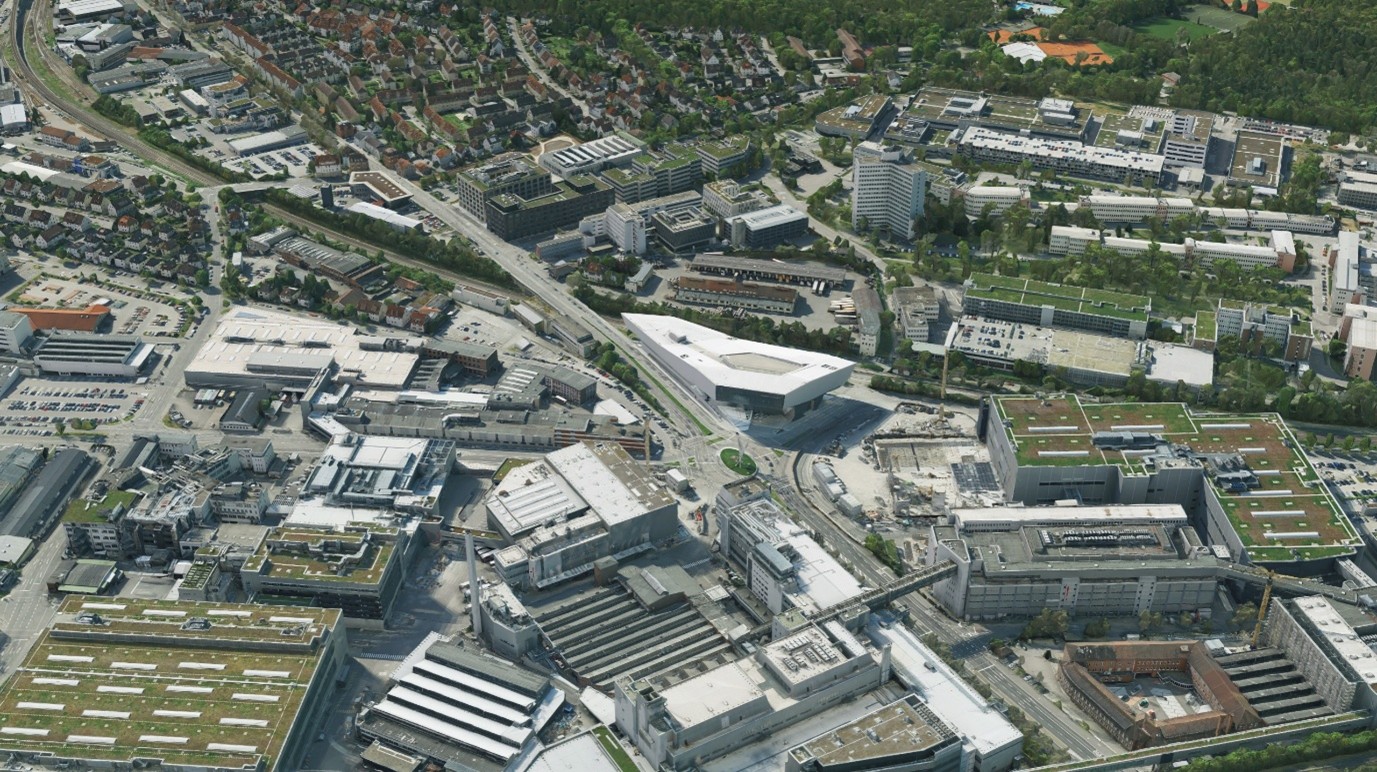
You can showcase plans in a photo-real setting for enhanced stakeholder engagement with integrated meshes. Use these to get a complete 3D picture of the urban environment in high fidelity to support decision-making.
Feature layers
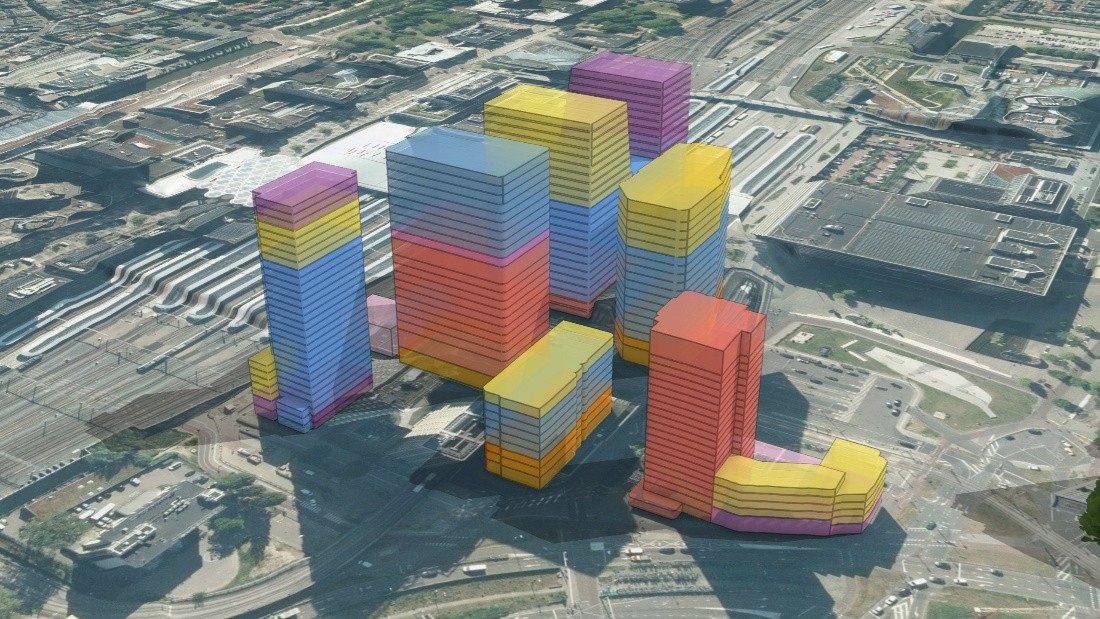
Feature layers integrate existing GIS data into 3D scenes to ensure proposals align with adopted planning policy. You can get the best of both worlds by adding a 3D style to a 2D feature layer and edit it live in the web. These are ideal for masking and quick mock-ups.
Point clouds
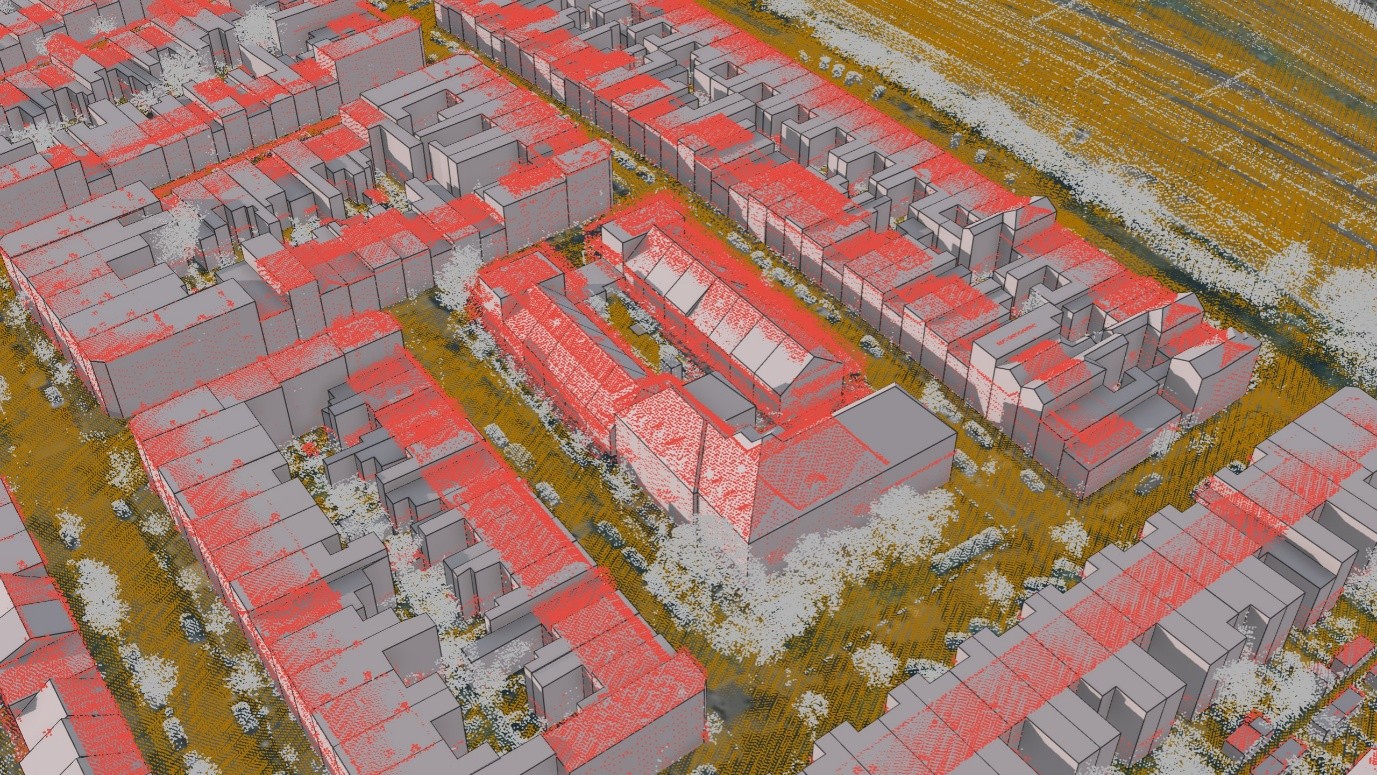
Finally, Point Clouds are rich datasets for advanced spatial analysis. By integrating these with traditional 2D GIS data, planners can create unified spatial narratives that support policy development, strategic planning, and public consultation.
Built for planning
ArcGIS isn’t just a tool – it’s a platform built for planning. Making use of 3D data can improve scenario planning, capacity planning and consultation. All within the same system that supports management and sharing of all spatial data, both 2D and 3D, and has been transformative in how authorities manage and share their local plans. Access to rich spatial data assists planners in making data-driven decisions that are both informed and inclusive.
Resources
Interested in finding out more about 3D data in ArcGIS? Check out the resources below:
- Check out the 3D documentation page.
- Explore a variety of 3D and Drone data demos in our Infrastructure Demo Hub.
- Read blogs all about the latest technology updates in the 3D space, including enhanced 3D layers and 3D data in British National Grid.